
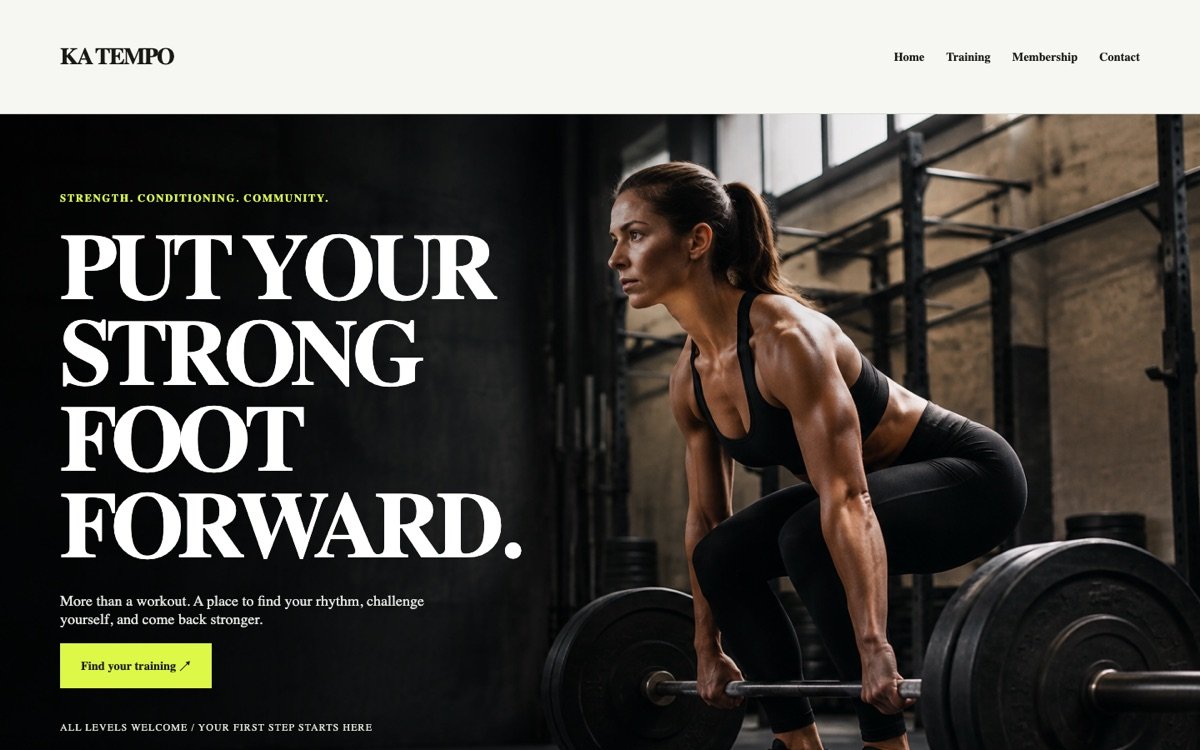
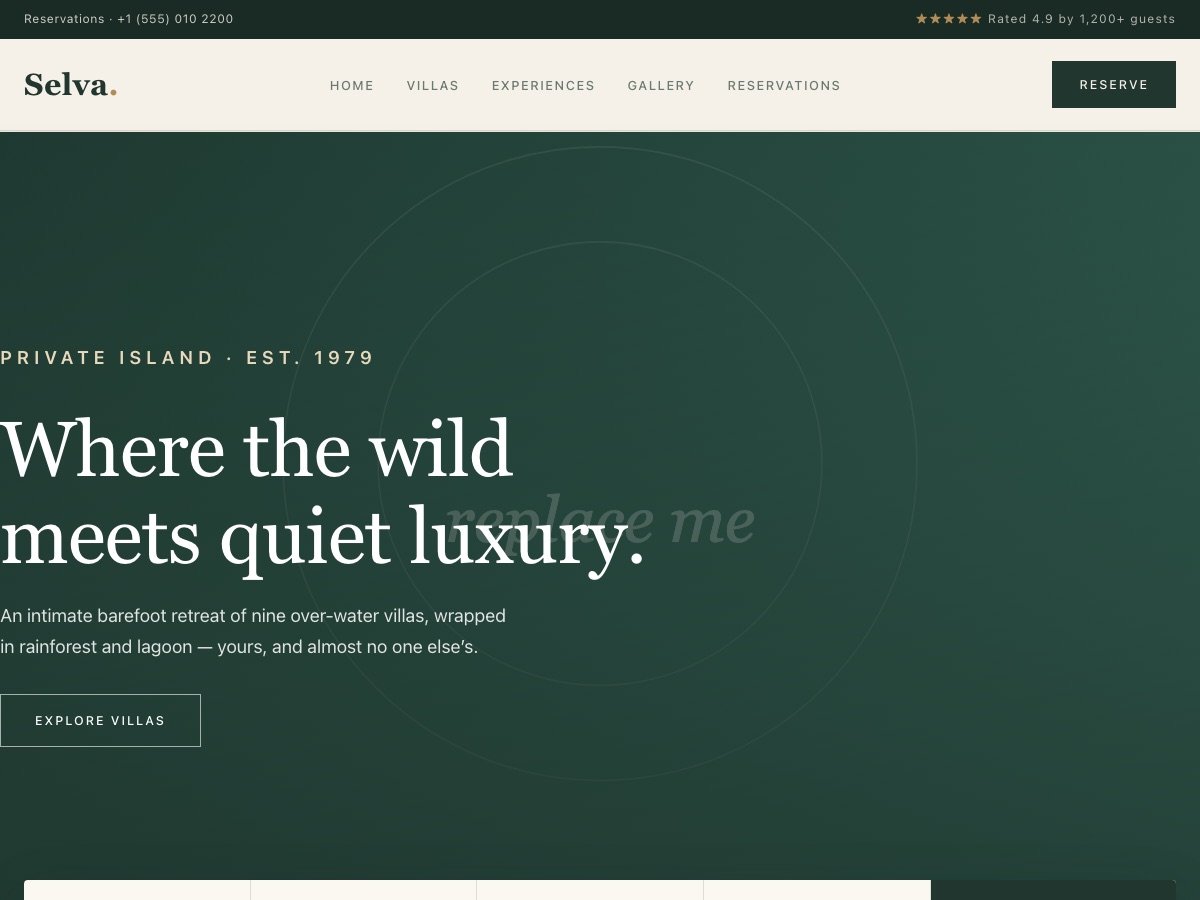
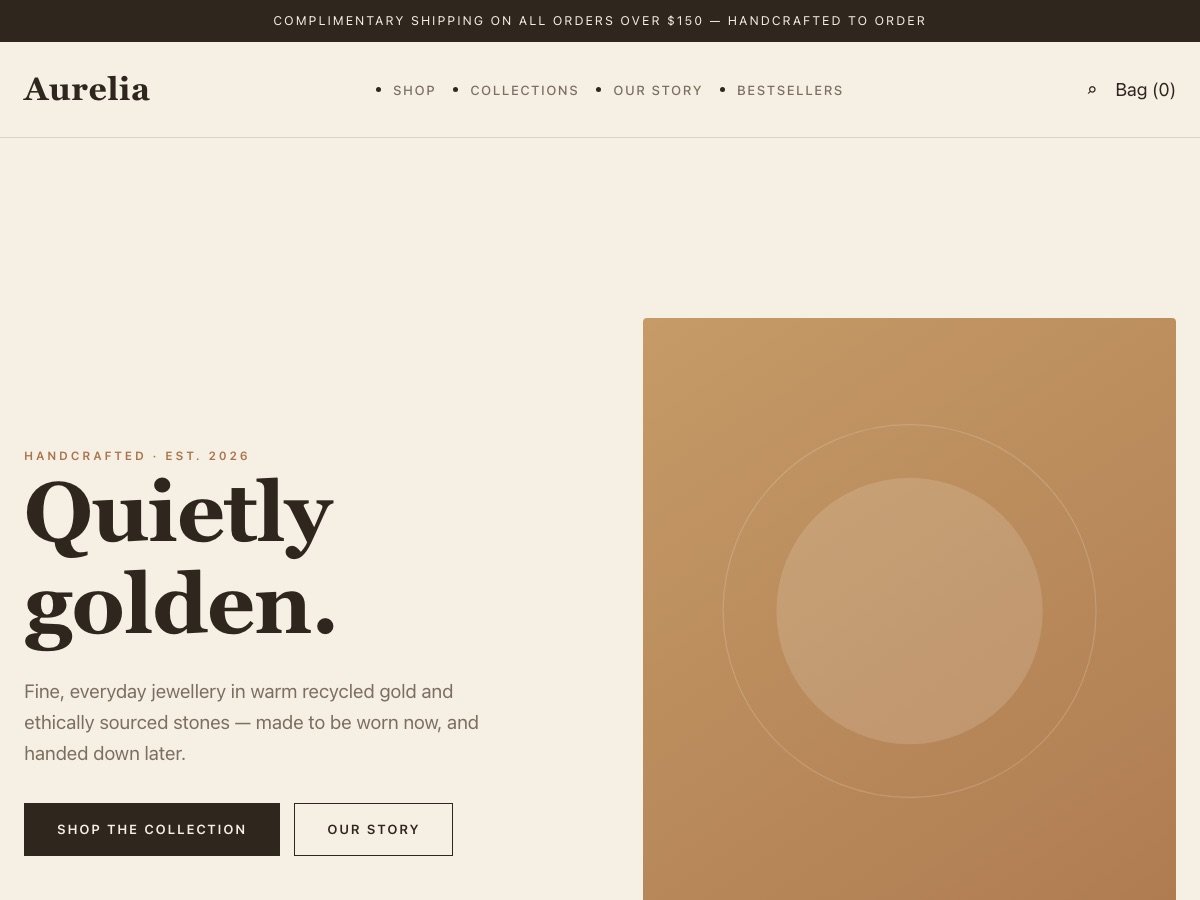
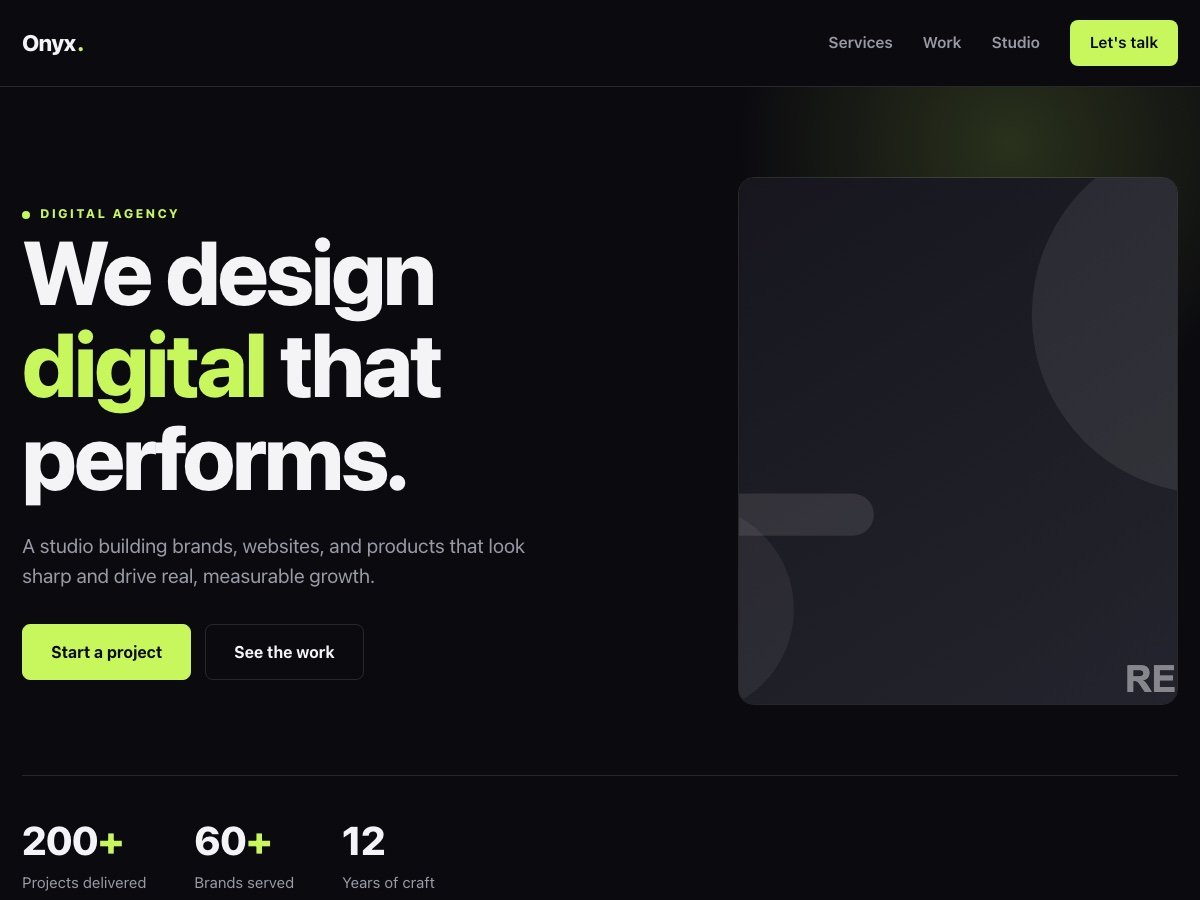
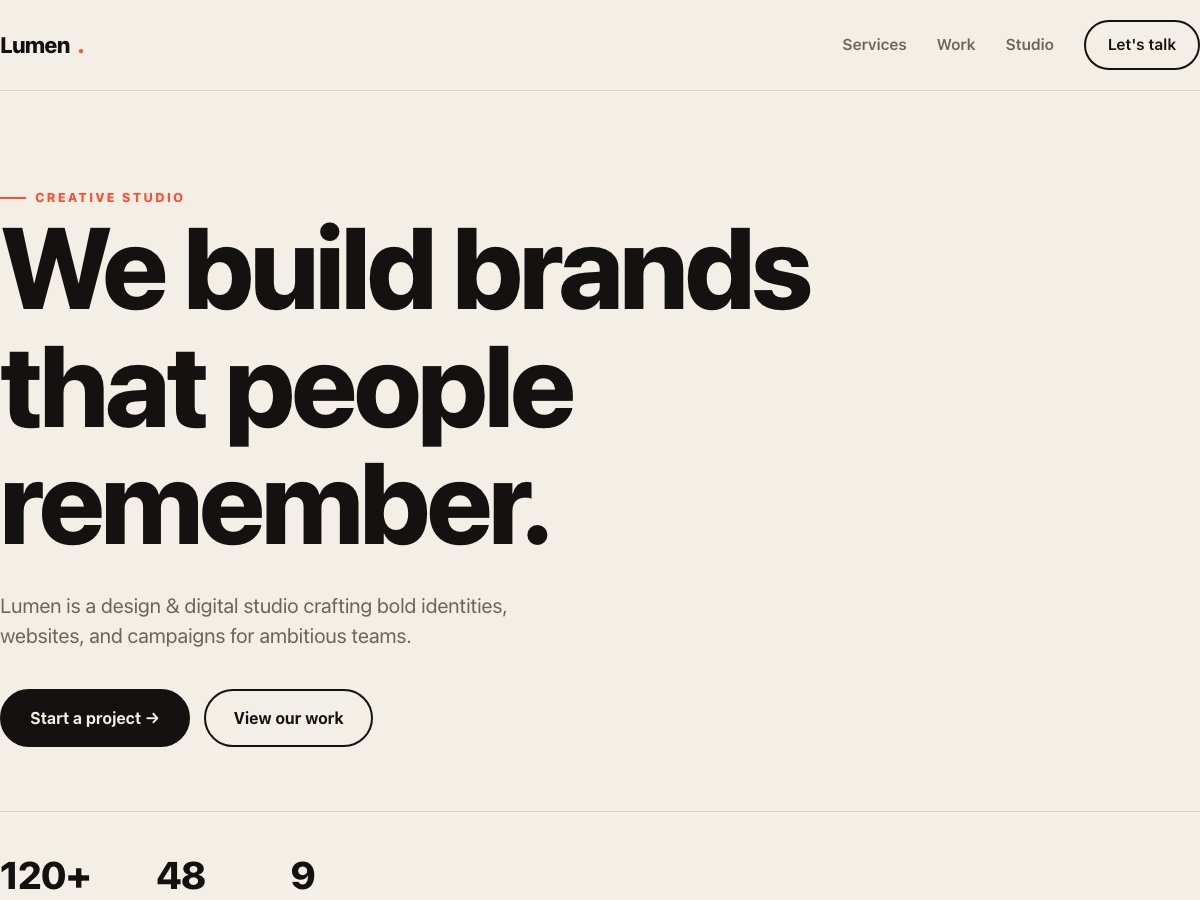
The resources page collects free downloads for marketers and creators, such as website themes, images, music, videos and templates, along with a free UTM link builder. This guide explains how to choose and use the downloads, how the download process works, a short guide to naming UTM tags, and general setup advice for themes.
How the free downloads work
Each resource has its own page with a preview, a short description and a download button. To receive the file you enter your email address, and a confirmation link is sent to you. Click it and the download starts. This confirms the address is real and keeps the downloads from being scraped.
The files are free for personal and commercial use, as noted on each resource page. Still, check any licence text on the individual page, because I may curate items that carry their own notes.
If the confirmation email does not arrive, check your spam folder and make sure the address was typed correctly. You can request it again from the same page.
Choosing a theme that suits you
A website theme is a starting point, not a finished site. Before downloading, decide what the site must do: sell products, collect enquiries, publish articles or present a portfolio. Choose the theme whose layout already supports that main job, so you are not fighting it later.
Look at the preview on a phone as well as a desktop. Most visitors will use a phone. Check how the navigation behaves, how large the text is and how the forms look.
Keep your choice modest. A simple theme with fast loading and clean structure usually serves you better than one packed with sliders and effects, which can slow pages and distract from the message.
General setup and installation guidance
Themes differ in the platform they are built for, so follow the instructions on the resource page first. The following steps apply in general. Work on a copy or a staging site before changing a live one. Keep a backup of what you have.
Install the theme, then replace the placeholder text and images with your own. Update the site title, logo and colours. Check each page on mobile. Set up your contact form and send a test message to make sure it arrives.
Finally, check basics that affect search and measurement: page titles and descriptions, image sizes, and analytics tracking. A theme does not set these up for you, and they are easy to overlook.
- Back up your existing site before installing anything.
- Test on a staging copy where your host allows one.
- Replace every placeholder image and line of sample text.
- Compress images before uploading, and write descriptive alt text.
- Send a test form submission and confirm it reaches the right inbox.
- Check the site on a phone and in at least two browsers.
Choosing between a free tool and professional help
A free theme or template is a good fit when the project is small, the budget is tight and you are comfortable doing some of the setup. It is a weaker fit when the site must carry significant revenue, handle complex products or meet strict performance and security needs.
The same applies to the UTM builder. It is perfectly enough for a small team with a handful of campaigns. Once you manage many channels and several people create links, a shared naming document and some regular checking become more important than the tool.
If you find yourself spending more time wrestling with a template than on your business, that is a sign to ask for help.
Using images, music and video responsibly
Free to use does not mean free of responsibility. Keep a record of where each file came from and the terms on its page, in case you are asked later. If an image shows a recognisable person, consider whether it suits your use.
For music and video, check whether you need to credit anyone and whether your platform has its own rules. Social platforms and ad networks sometimes restrict certain audio.
Compress large files before placing them on a page. Heavy images and autoplay video are among the most common reasons a site feels slow.
A short guide to UTM naming
UTM tags are short labels added to the end of a link so that analytics tools such as GA4 can tell where a visitor came from. The three that matter most are utm_source, utm_medium and utm_campaign. utm_term and utm_content are optional and help with paid keywords and with telling two versions of a link apart.
The free UTM builder on this site assembles these tags for you and can force lowercase. Its value is not the tool itself but the consistency it encourages. UTM values are case-sensitive, so Facebook and facebook appear as two sources and split your data.
Pick a convention, write it down, and share it with everyone who creates links. Use lowercase, replace spaces with underscores, and keep names short and meaningful.
A naming pattern you can copy
Source is where the click came from, such as google, facebook, linkedin or newsletter. Medium is the type of channel, such as cpc, paid_social, email or social. Campaign is the specific effort, such as spring_sale or webinar_may.
For paid social, source is the platform and medium is paid_social. For email, medium is email and campaign is the name of the send. For Google Ads, auto-tagging often handles the data itself, so add manual tags only when you need the data in tools beyond Google, and avoid mixing conflicting tags.
Keep a simple spreadsheet listing each campaign name, its dates and the tags used. When someone asks months later what a campaign was, the sheet answers.
Consistency matters more than cleverness. A boring, written-down naming rule is worth more than a clever one nobody follows.
Common UTM mistakes
The most frequent mistake is inconsistent spelling or capitalisation, which splits one channel into several rows in reports. The second is tagging internal links, such as a banner on your own site pointing to another page of yours, which overwrites the real source of the visit.
A third is using vague campaign names, such as test or promo, which become meaningless within a month. A fourth is forgetting to tag email and social bio links, so that traffic falls into direct or referral.
After publishing a tagged link, click it yourself and check that it appears in GA4 under Reports, Acquisition, Traffic acquisition, with the source, medium and campaign you expected.
Keeping your tracking tidy over time
Tracking tends to decay unless somebody owns it. People leave, campaigns end and naming conventions drift. Choose one person to be responsible for the naming sheet and ask them to review the traffic report once a month for odd-looking sources.
A quick monthly check can catch problems early: sources that appear in several spellings, large amounts of traffic labelled as direct, or campaigns with no tags at all. Each one points to a link somebody forgot to tag or tagged differently.
When you retire a campaign, mark it in the sheet instead of deleting it. History is useful when you plan next year's activity.
A short checklist before you publish anything
Before a new page, theme or campaign goes live, run a short check. Does every link work? Does the page load quickly on a phone? Do forms send and arrive? Are your analytics tags firing once, not twice? Have you tagged outgoing campaign links consistently?
Open the page in a private browser window as well, since it shows what a new visitor sees without your logins or cookies. Read the page aloud once. Awkward sentences are easy to hear and hard to see.
This takes ten minutes and prevents most of the embarrassing errors.
Where to go next
If a theme or tool is not enough and you need something built or reviewed, the services directory lists the work I take on, and a Strategy session is a quick way to ask whether a custom approach is warranted.
Check back for new resources, as items are added over time.